

Congrats on 100K subs and your silver play button! Your content is hitting, but your manual workflow has reached its limit. It’s time to scale up.

From Desktop to Cloud: How YouTube Creators Can Scale Beyond 100K Subscribers
You've done it. You've crossed 100K subscribers, secured that silver play button, and proven your content resonates with an audience. Your camera gear is dialed in, your editing workflow is smooth, and you're publishing consistently. But here's the problem: you're maxing out. But with growth comes the content crisis many creators face.
Your local editing setup that got you here—CapCut on your laptop, maybe Premiere Pro on a loaded desktop—is starting to crack under the weight of your ambitions. Render times stretch into hours. Finding that perfect B-roll clip from three months ago means scrolling through endless folders. Creating variations of the same video for YouTube, TikTok, and Instagram Reels? That's an entire day gone.
Welcome to the inflection point every growing creator faces: the moment when your tools become the bottleneck to your growth.
The Desktop Ceiling
Let's be honest about what got you here. CapCut and Premiere Pro are incredible tools. They're powerful, accessible, and for solo creators producing a few videos per week, they're perfect. But as your channel scales, the cracks start showing. With growth comes the content crisis many creators face
The Time Trap: You're spending 8-10 hours editing a single long-form video. Then another 4-6 hours cutting it down for shorts. Then reformatting for different aspect ratios. By the time you're done, you've spent two full days on content for one video concept. Meanwhile, the algorithm rewards frequency, and your competitors are somehow publishing daily.
The Organization Nightmare: You've got terabytes of footage scattered across external drives. That golden reaction shot you filmed last month? Good luck finding it. You end up re-filming content you already have because searching is harder than shooting.
The Collaboration Bottleneck: You're ready to hire an editor or bring on a team, but your entire workflow exists on your local machine. Sharing project files means messy Dropbox folders, version control nightmares, and endless "which file is the latest?" messages.
The Hardware Prison: Your computer is a beast—you made sure of that. But it's still just one machine. You can't edit on the go. You can't delegate tasks without physically handing over drives. And when that machine crashes? Your entire production pipeline stops.
This is the desktop ceiling. And breaking through it doesn't mean working harder—it means working differently.
Why Cloud Workflows Are the Creator's Unfair Advantage
Professional studios figured this out years ago. Netflix, HBO, major advertising agencies—they're not editing on desktop machines. They're using cloud-based media workflows that let teams of people work simultaneously on massive libraries of content. The answer lies in context-aware search, not better folders
Professional cloud tools at creator-friendly prices.
The game-changer? These tools are finally accessible to independent creators. See how AI enables 10-minute highlight reels.
Here's what professional cloud workflows unlock:
1. AI-Native Search That Finds Anything Instantly
Imagine typing "sunset reaction shot with excited expression" and having your entire content library surface exactly what you need in seconds. No folders, no tagging, no manual organization.
Modern cloud platforms use AI to automatically understand what's in your videos—not just filenames, but actual visual content, spoken words, on-screen text, even the mood and emotion of scenes. This isn't science fiction. It's how Flo and similar next-generation tools work today.
Real Impact: What used to take 20 minutes of scrolling through folders now takes 5 seconds. That's hours saved per week, which translates directly into more content published.
2. Automated Highlight Reel Generation
Here's the creator's dilemma: long-form content builds loyal audiences, but short-form content drives discovery. You need both. But manually cutting a 20-minute video into 10 different shorts? That's a full production day gone.
Cloud workflows with AI agents can analyze your long-form content, identify the most engaging moments, and automatically generate highlight reels optimized for TikTok, Reels, and YouTube Shorts—complete with captions, music, and reformatting.
Real Impact: Instead of spending a day creating shorts from one video, you spend 30 minutes reviewing and approving AI-generated options. Multiply that across every video you publish, and you've just freed up weeks of time per year.
3. In-Context Generative AI Editing
Think of this as "Cursor for Media"—a chat interface where you can transform your content using natural language. Need to upscale old footage to 4K? Remove a distracting background object? Add dynamic captions in your brand style? Generate B-roll to fill gaps?
Instead of learning complex software or outsourcing to freelancers, you describe what you want and AI executes it. Fast. Professional-grade. On-demand.
Real Impact: Tasks that required expensive freelancers or hours of tutorial-watching now happen in minutes. You maintain creative control while moving at the speed of thought.
4. True Team Collaboration and Growth
When your content library lives in the cloud with proper workflow management, hiring suddenly becomes simple. Your editor can access footage from anywhere. Your thumbnail designer can grab assets without asking you for files. Your social media manager can pull clips for promotions.
Everyone works from the same source of truth, with built-in version control and approval workflows. No more "final_final_v3_ACTUALLY_FINAL.mp4" filenames.
Real Impact: You transition from solo creator to creative director, multiplying your output without multiplying your personal workload.
5. Multi-Platform Distribution Workflows
Cloud platforms can automate the entire distribution pipeline. Upload your master video once, and workflows automatically:
Create platform-specific versions (16:9, 9:16, 1:1 aspect ratios)
Generate captions and subtitles
Apply platform-specific optimizations
Schedule and publish across YouTube, TikTok, Instagram, and more
Create platform-specific versions (16:9, 9:16, 1:1 aspect ratios)
Schedule and publish across YouTube, TikTok, Instagram, and more
Real Impact: Publishing to five platforms takes the same effort as publishing to one. Your content reaches more people with less busy work.
The Migration Path: From Desktop to Cloud
Making the switch doesn't mean abandoning everything overnight. Here's the practical path forward:
See how Flo makes team collaboration effortless.
Start by connecting your existing S3 or Box archives to a cloud platform like Flo. Your content stays where it is, but now you can search it using AI. This alone will save you hours per week.
Phase 2: Cloud-First Editing (Weeks 3-4)
Begin using in-context AI tools for routine tasks—upscaling, object removal, caption generation. Keep using your desktop editor for the main timeline work, but offload the tedious stuff.
Set up your first automated workflow: long-form video → automatic highlight generation → review and approval → multi-platform distribution. Once you see this work once, you'll never go back.
Phase 4: Full Team Enablement (Month 3+)
Bring on editors, designers, or assistants. Give them access to the cloud platform. Watch your content output multiply while your personal editing time decreases.
The Math That Matters: Time Saved = Content Published
Let's get specific. A typical creator at 100K subscribers might publish:
2 long-form videos per week (16 hours of editing time)
10 shorts per week (10 hours of reformatting/publishing)
Total: 26 hours per week on production
2 long-form videos per week (16 hours of editing time)
10 shorts per week (10 hours of reformatting/publishing)
2 long-form videos (10 hours with AI-assisted editing)
10 shorts (2 hours with automated generation + review)
Total: 12 hours per week on production
2 long-form videos (10 hours with AI-assisted editing)
10 shorts (2 hours with automated generation + review)
That's 14 hours saved every single week. What could you do with an extra 700+ hours per year?
Publish 50% more content (the algorithm loves this)
Focus on strategy, not busywork
Actually take a vacation without your channel dying
Scale past 500K, then 1M subscribers
Publish 50% more content (the algorithm loves this)
Actually take a vacation without your channel dying
The Creator Tools the Pros Use—Now Accessible to You
The professional media industry has been using cloud workflows for years, but the tools were enterprise-only, expensive, and required technical teams to operate. That's changing. See how AI enables 10-minute highlight reels
Platforms like Flo are bringing studio-grade capabilities to independent creators at accessible price points. AI-native search. Generative editing tools. Automated workflows. S3 and Box integration. Multi-platform distribution. All designed for creators who care about craft, not infrastructure.
This isn't just about working faster—it's about reaching your creative potential without burning out. It's about scaling your channel without sacrificing quality. It's about building a sustainable content business, not a hamster wheel.
Your Next Move
You've already proven you can build an audience. You've got the creative vision and the discipline to publish consistently. The only thing holding you back from 500K, 1M, and beyond is the infrastructure to support that growth.
Ready to scale beyond the desktop ceiling?
The creators who scale past 100K aren't necessarily more talented—they're better equipped. They've moved from desktop to cloud. They've embraced AI as a creative partner, not a threat. They've built workflows that multiply their output without multiplying their workload.
The desktop tools that got you here won't get you to where you're going. But professional cloud workflows, now finally accessible to independent creators, will.
The question isn't whether to make the transition. It's how much longer you'll wait.
Ready to scale beyond your desktop? Flo offers growing creators 10 hours of free generative AI to experience studio-grade workflows firsthand. Discover your content with natural language search. Generate highlight reels automatically. Deliver to every platform with one click. See what's possible when your tools match your ambition.
‹ Corporate Marketing's Secret Weapon: Your Untapped S3 Archive
The Death of File-Based Workflows: Why Context Beats Folders ›
Continue Reading

Corporate Marketing's Secret Weapon: Your Untapped S3 Archive
This article provides a brief overview of the key ideas, insights, and takeaways covered in the post. Whether you're here to explore trends.
Corporate Marketing's Secret Weapon: Your Untapped S3 Archive
From Desktop to Cloud: How YouTube Creators Scale Beyond 100K Subscribers
From Desktop to Cloud: How YouTube Creators Scale Beyond 100K Subscribers
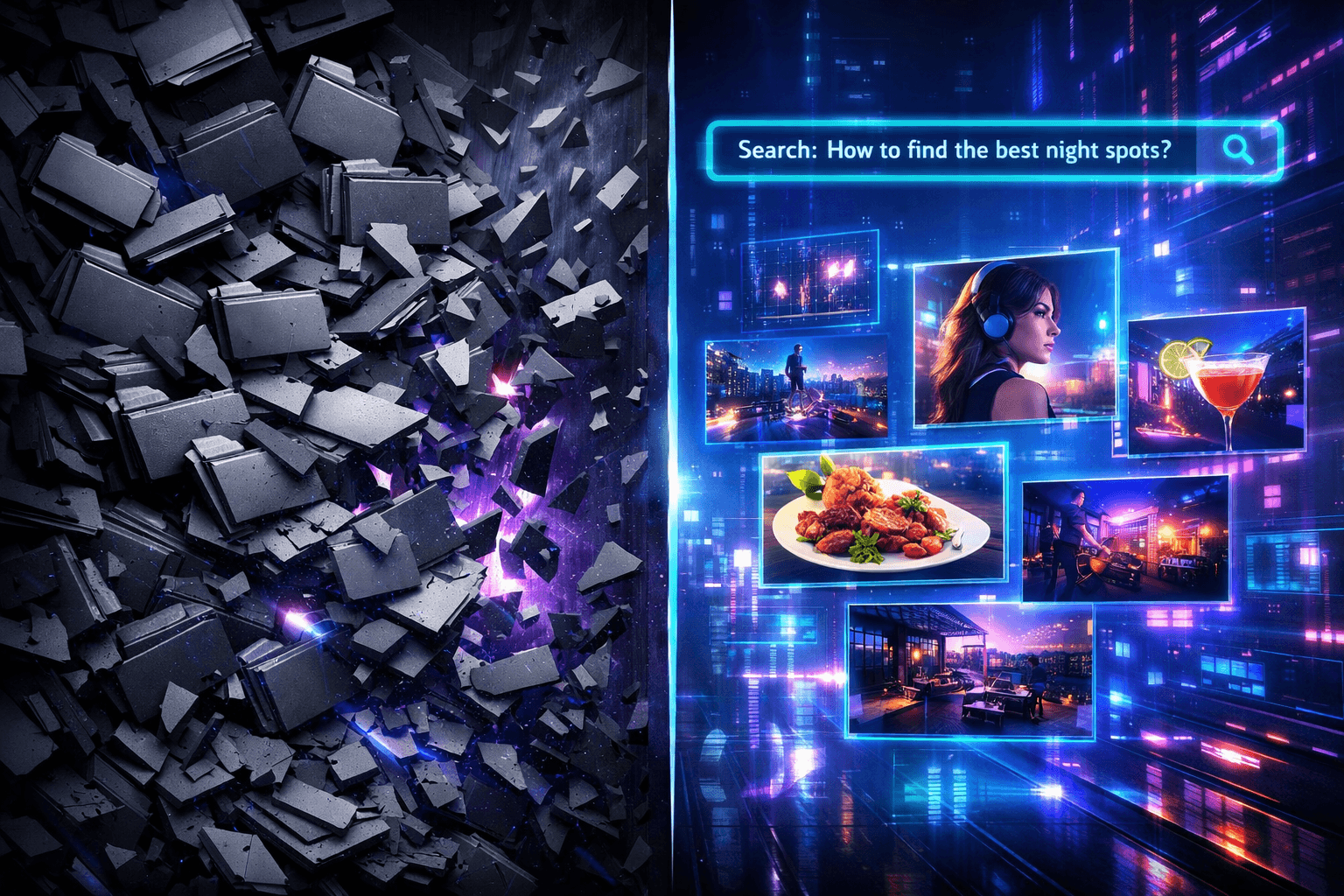
The Death of File-Based Workflows: Why Context Beats Folders
The Death of File-Based Workflows: Why Context Beats Folders
Corporate Marketing's Secret Weapon: Your Untapped S3 Archive
From Desktop to Cloud: How YouTube Creators Scale Beyond 100K Subscribers