
Release notes
What shipped in production — new features, improvements, and fixes.
No release notes match this filter.
September 2026
Accurate Player on asset detail and review
Review media with Reliable transport, timecode, waveforms, and scrub tools on asset detail and review surfaces.
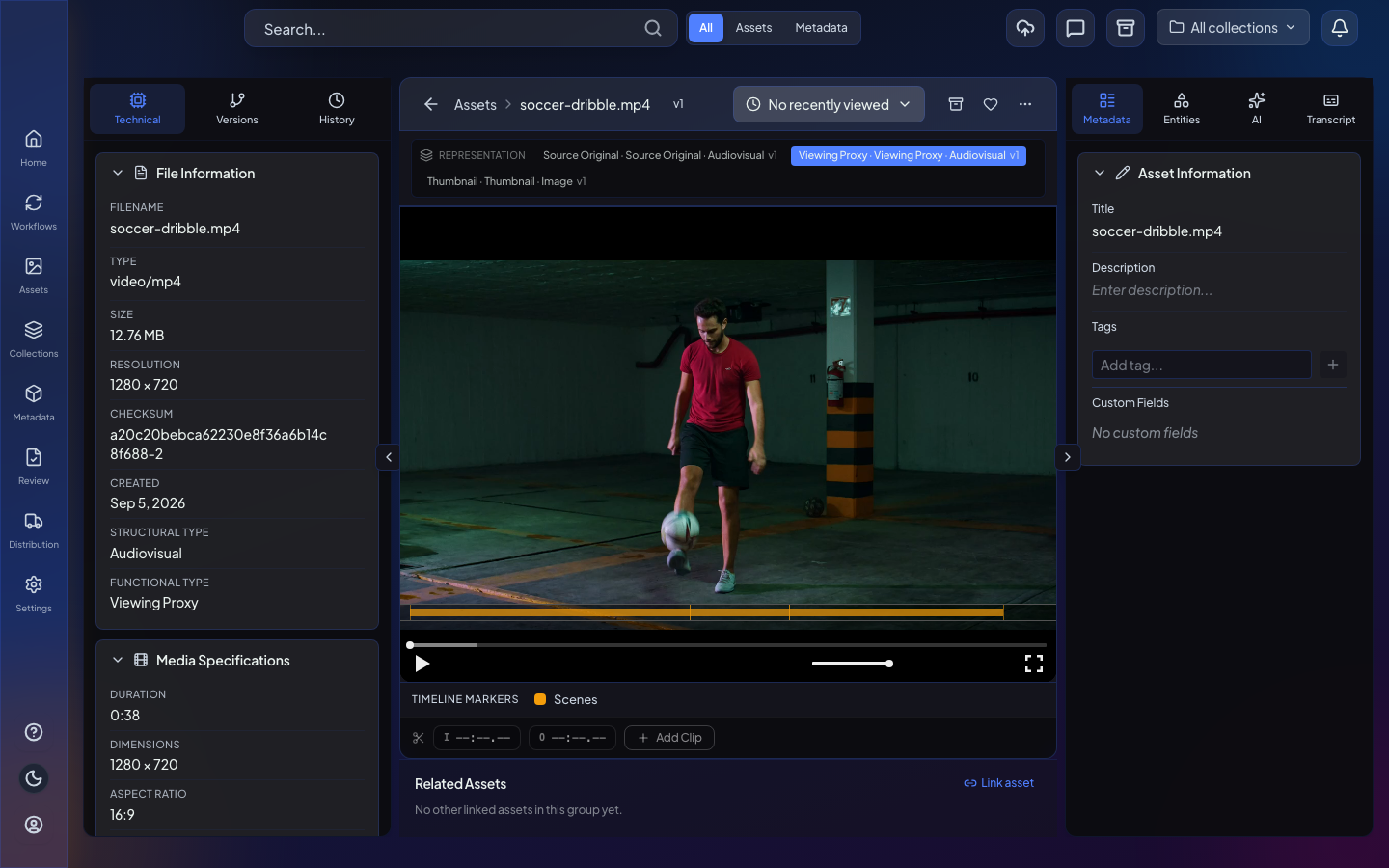
- Accurate Player review chrome with JKL transport and timecode
- Accurate Player available on asset detail
Asset representations, versions, and ingest from URL
Register representations and versions from workflows, and securely ingest files from public HTTPS URLs.
- Canvas nodes for asset representations and versions
- Representation from URL execute node
- Secure ingest from URL into Flo or customer upload storage
- Presigned S3 download URLs from connector-owned locations
Built-in workflow logic and utility nodes
Common routing, waiting, filtering, and list utilities are available as first-class canvas nodes.
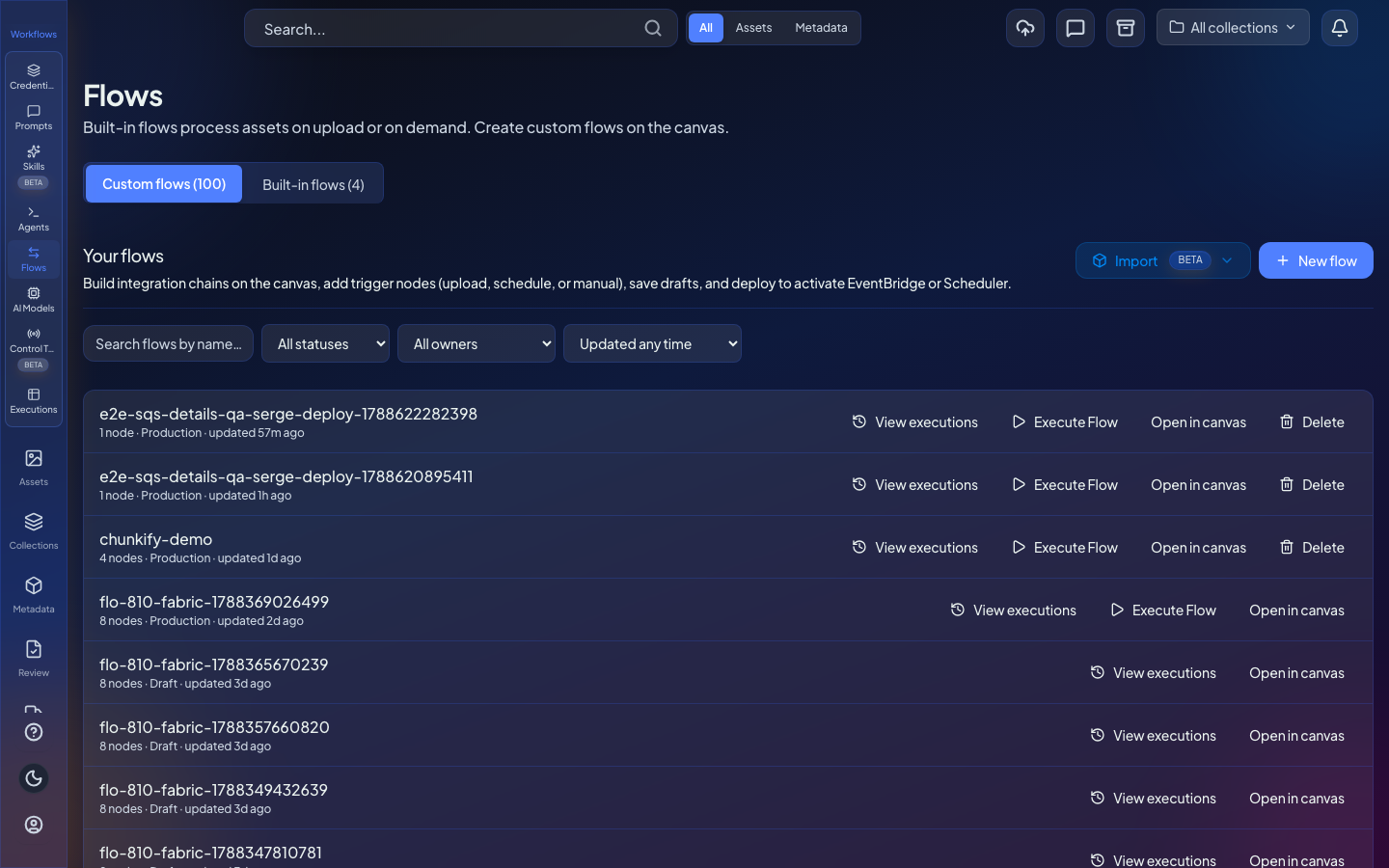
- Switch routes a run across multiple branches
- Filter keeps matching items and ends non-matching paths cleanly
- Wait pauses for a duration or condition
- Split Out, Set, and Merge for list and field shaping
- Limit, Sort, Aggregate, and Date & Time utilities
Chunkify transcode in workflows
Transcode hosted media with Chunkify from the canvas, wait for completion, and manage runtimes without polling.
- Chunkify workflow node with signed webhook completion
- Manage Chunkify runtimes from the canvas
- Support for Chunkify output formats with clearer deploy errors
Dashboards and widgets for operational overviews
Organizations get dashboards and a seeded widget catalog for operational overviews.
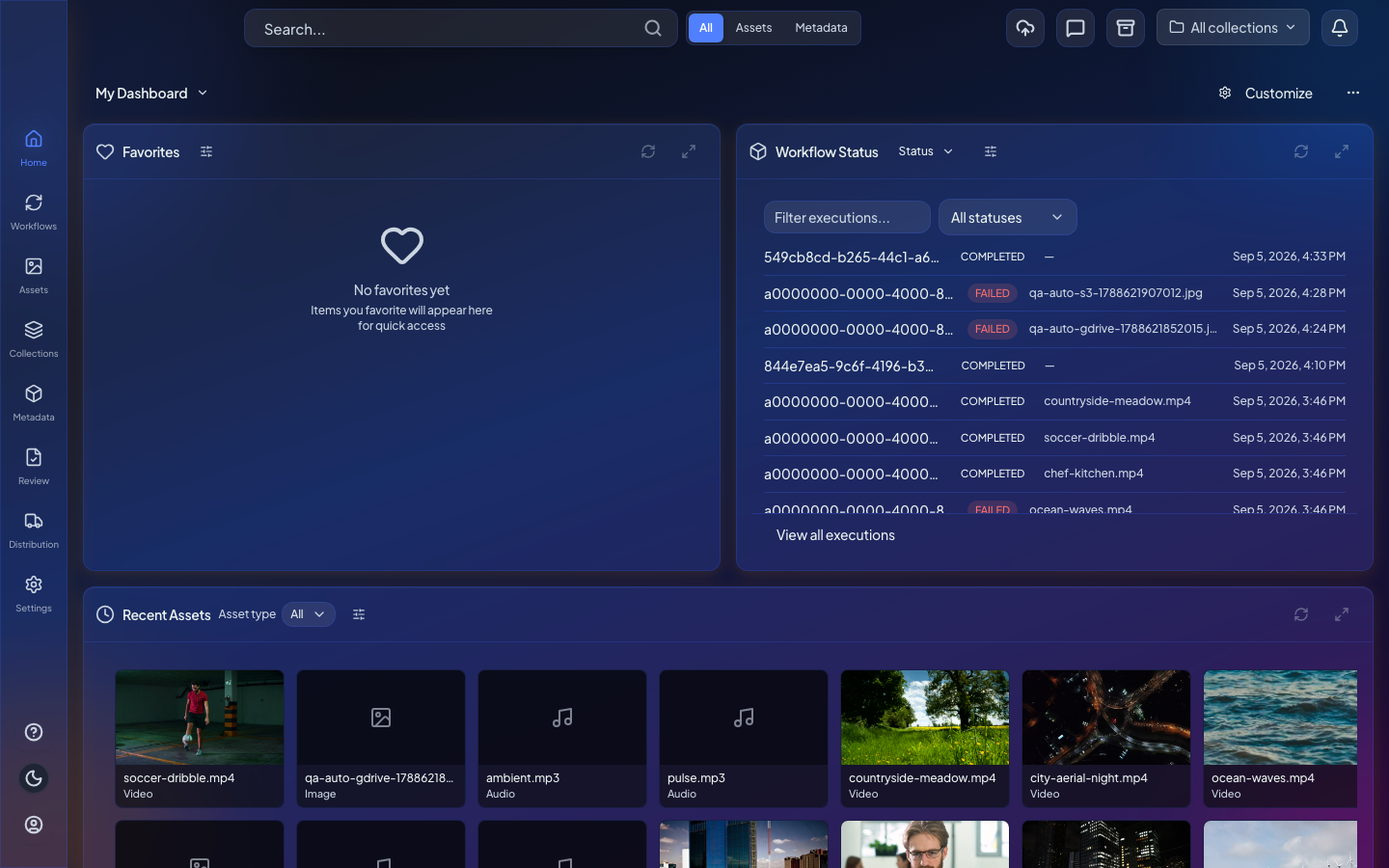
- Dashboards and widgets for operational overviews
- Seeded widget catalog and platform defaults
Designed entity pages and safer schema publishing
Render designed entity pages and warn before publishing breaking schema changes.
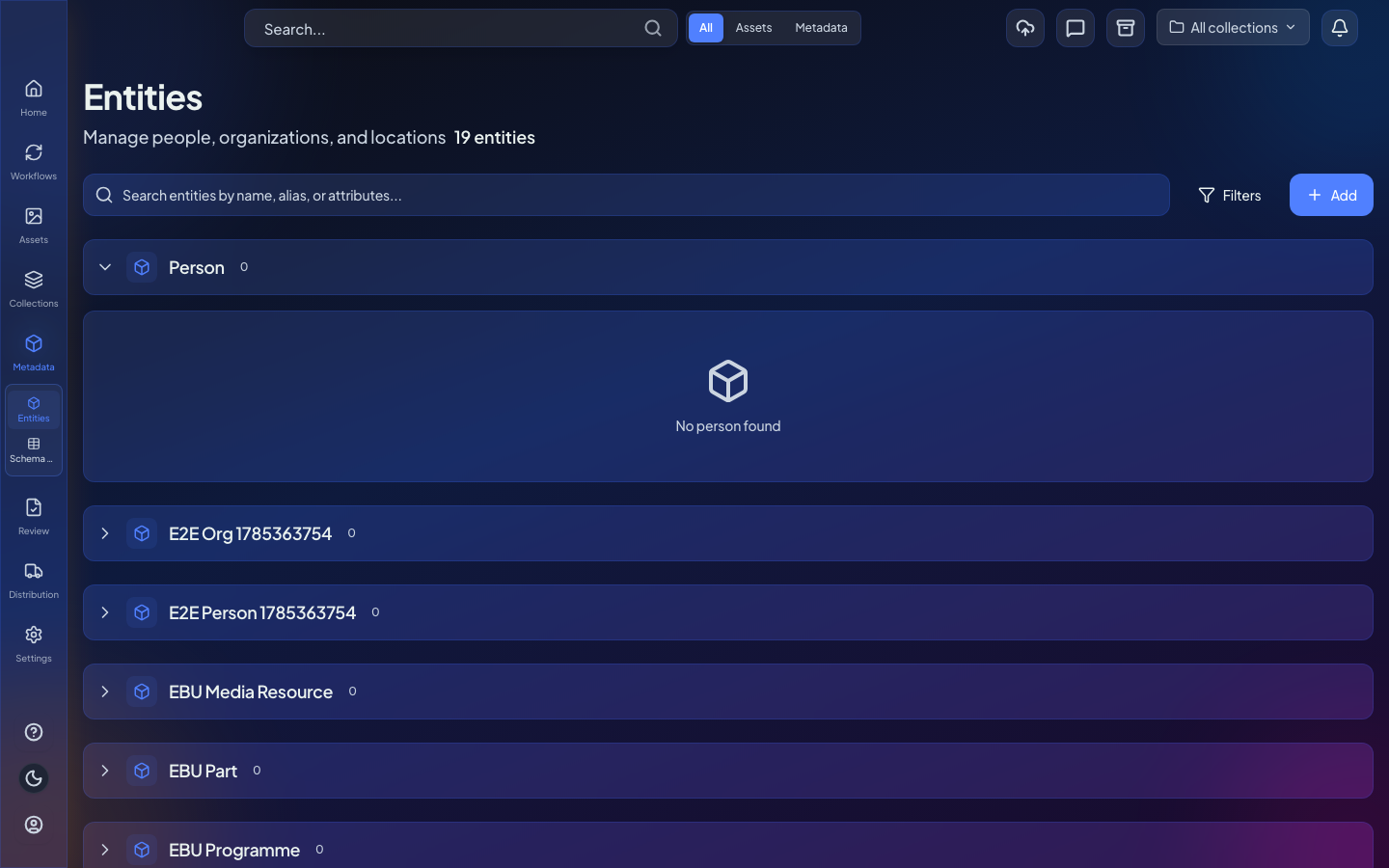
- Render designed entity pages
- Warn before publishing breaking schema changes
- Entity view wizard, AI generation, and drift plane
Distribution readiness and delivery specifications
Prepare deliverables, evaluate readiness, and manage delivery specifications and requirement packs in the app.
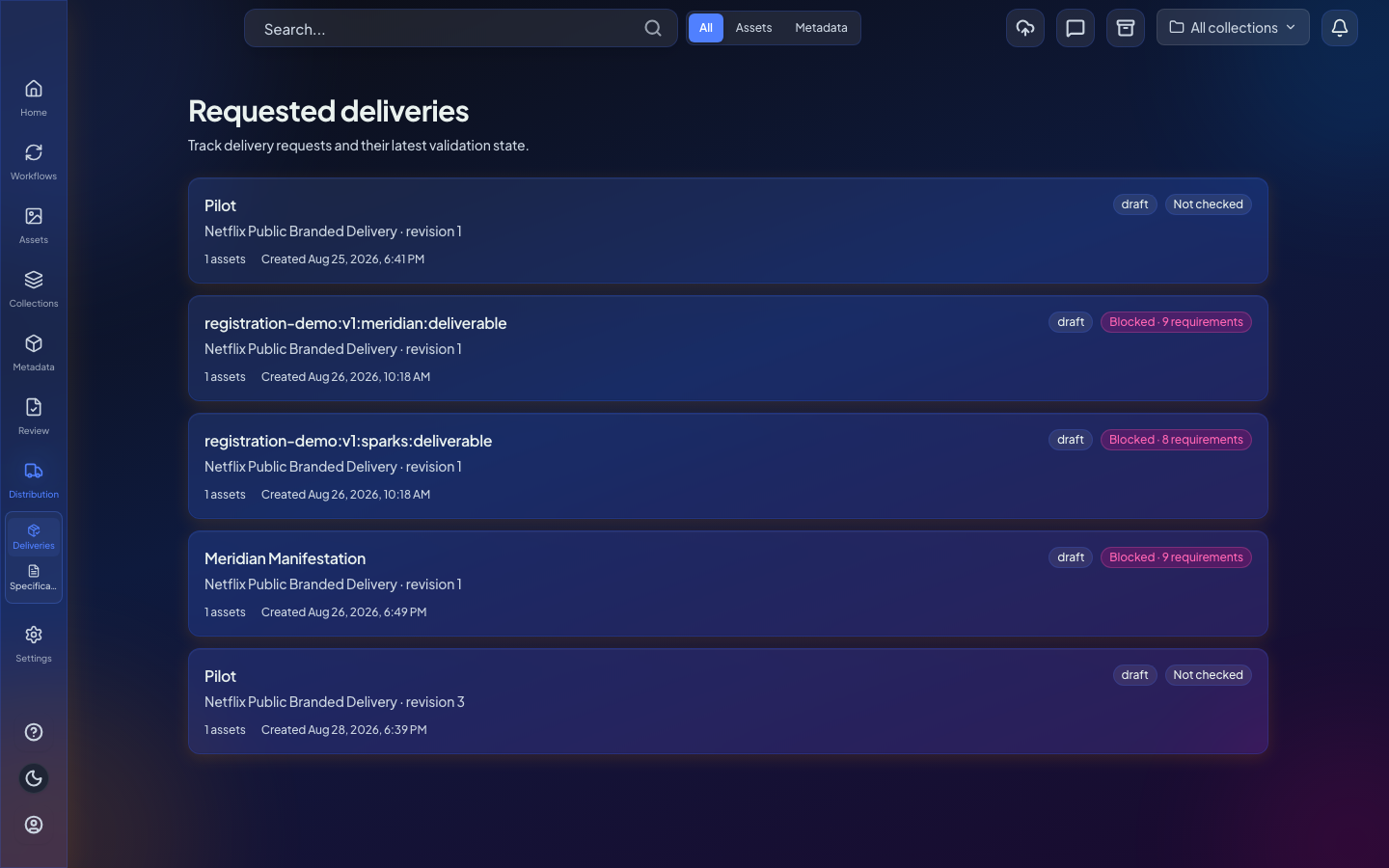
- Distribution readiness workspace and evaluation service
- Create, revise, and publish delivery specifications
- Reusable delivery requirement packs
- Clearer distribution navigation and widget picker
Improved support when importing n8n workflows
Importing n8n workflows into Flo keeps more node types, credentials, and triggers intact so you spend less time rewiring after Apply.
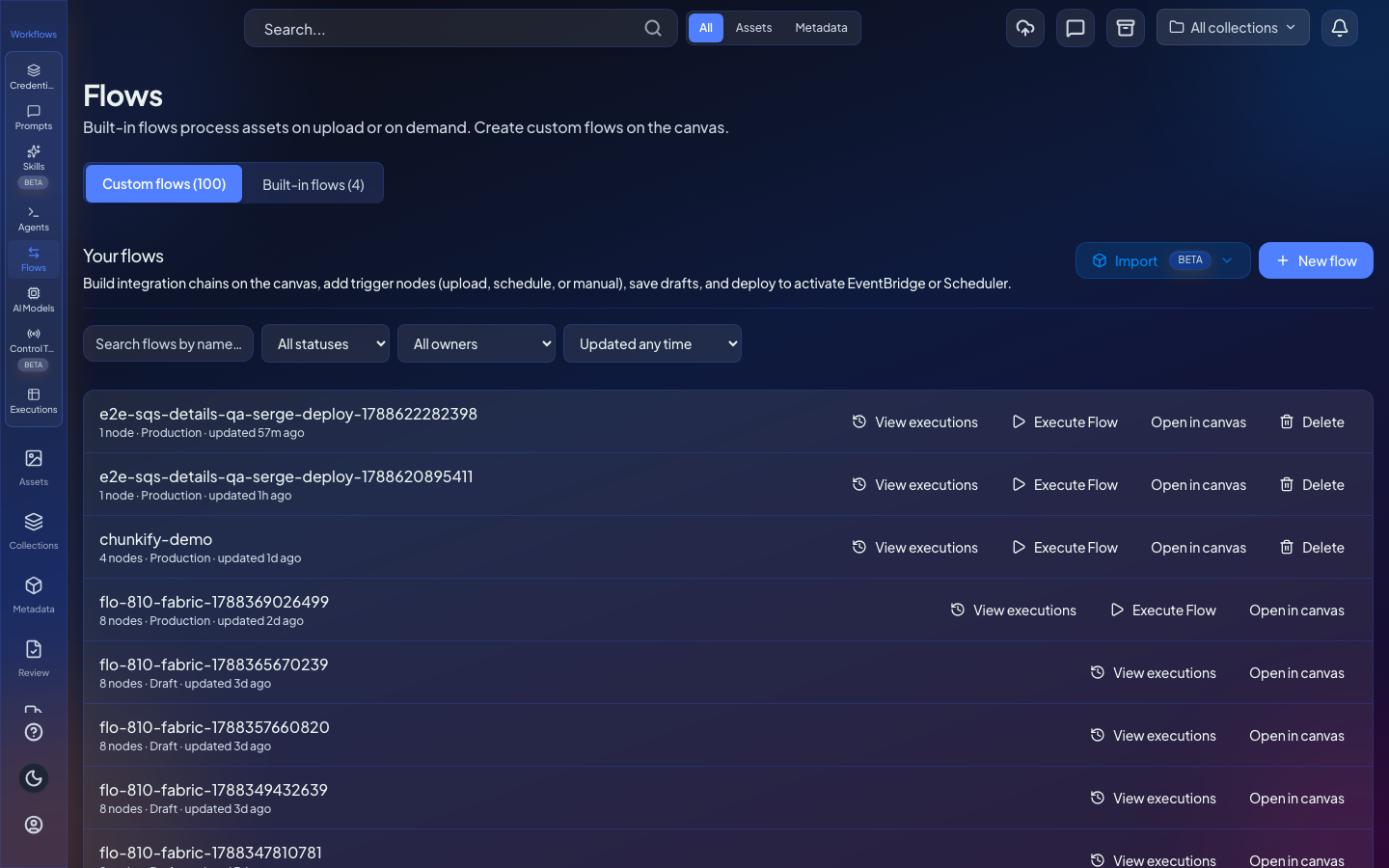
- Code nodes keep their source so you can finish the rewrite in Flo
- Filter, Switch, Wait, Split-out, and Set mappings land as Flo nodes
- Item utilities (Limit, Sort, Aggregate, Date & Time) import with readable canvas labels
- GraphQL and header-auth credentials map to saved Flo credentials
- SQS-bridge and webhook listeners import as Flo triggers instead of fake webhooks
- HTTP Request body and error-handling settings survive import
MCP tools for agents and Flo APIs
Agents can call Flo through MCP, including image edit and compliance review tools.
- Generic Flomenco MCP server package
- API-key Flo APIs exposed as MCP tools
- Image edit and regional compliance review tools
Nordic locales and an in-app language picker
The UI expands to Nordic languages and Northern Sámi with a language picker and translated palette keys.
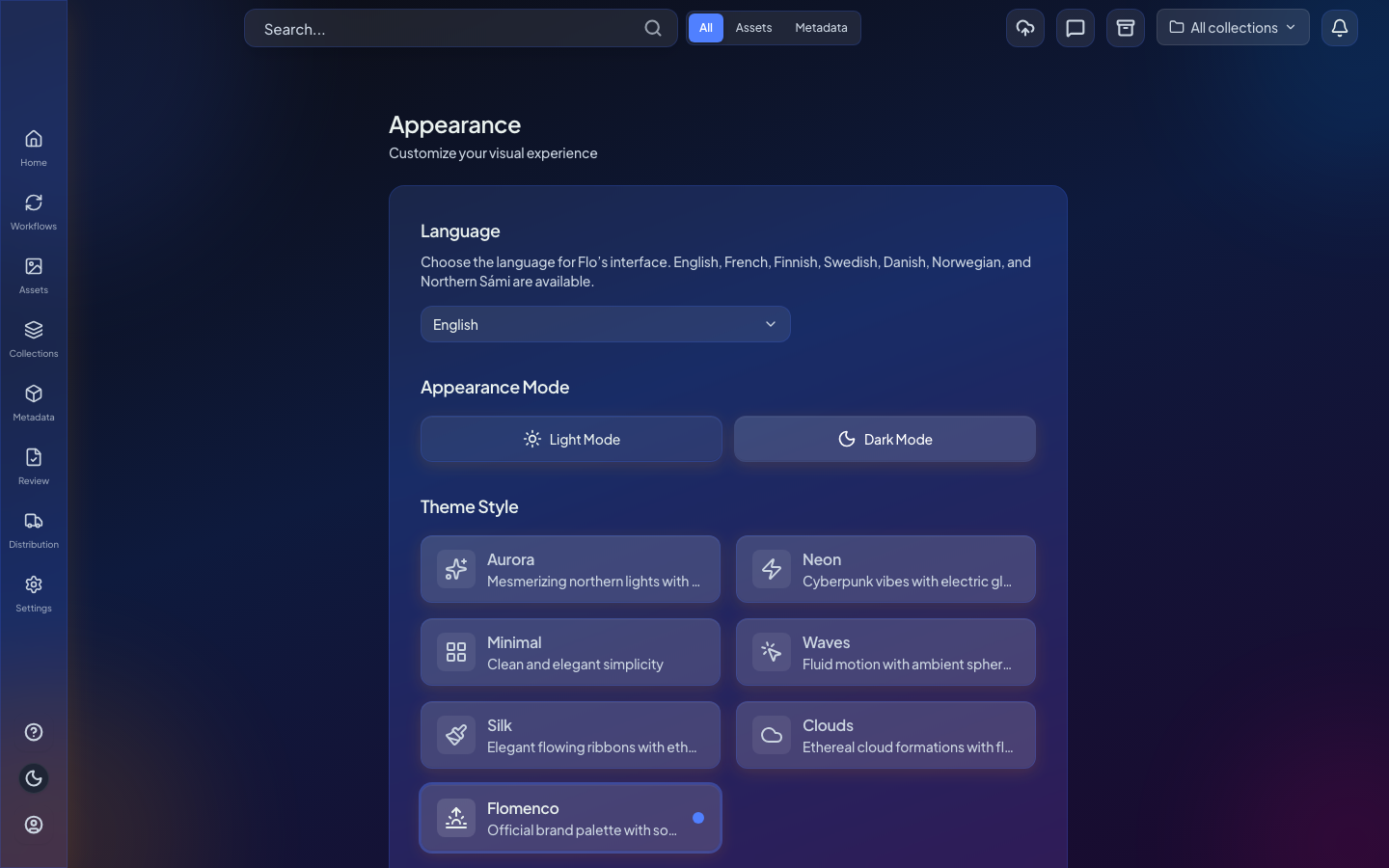
- Nordic and Northern Sámi UI locales
- App-wide i18n with language picker
Package IMF directly in Flo
Assemble IMF packages in Flo with an S3-native path and clearer packaging UX.
- Native Package IMF system node and worker
- S3-native assembly without local essence copies
- Packaging UX and first-scale improvements
QC reports and Flo QC in workflows
Run QC from workflows and download structured QC reports as JSON or PDF.
- Flo QC engine wiring and system QC media node
- QC report table with JSON and PDF download
- Clearer QC media profile copy and check steps
Richer asset relationships and EIDR vocabulary
Link assets with EIDR and MovieLabs relationship types and complete reverse links in the UI.
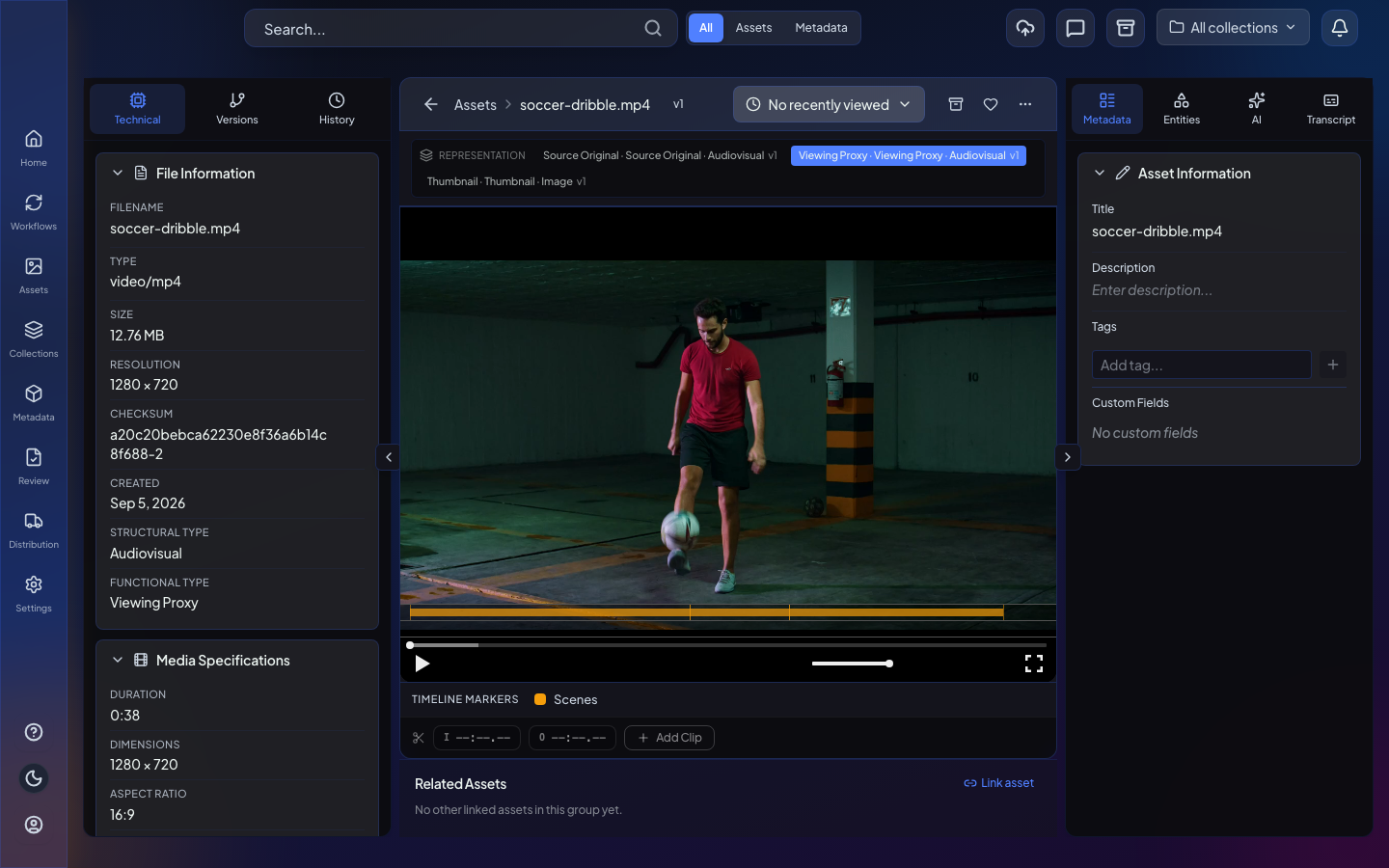
- EIDR and MovieLabs relationship vocabulary
- Typed relationships from the schema catalog
- Complete reverse-link UX for asset relationships
Save chat outputs as edits and versions
Save generated outputs as an edit, version, or new asset with clearer source picking from recent assets and bins.

- Save as edit, version, or new asset
- Source picker uses recent assets and bin focus when needed
- Expired image stack and save-as-edit dropdown improvements
Webhooks are easier to call and reply to
Inbound webhooks accept more payload shapes, expose ready curl commands, and can return custom HTTP replies.
- Read message fields from query string or JSON body
- Copy a curl command that uses the stored method
- Respond to Webhook for delayed custom HTTP replies
- Webhook URLs include the correct API stage
Archive is clearer and safer
Archive and restore explain what is eligible, block ineligible Flo uploads, and avoid blank errors when an asset cannot be archived.
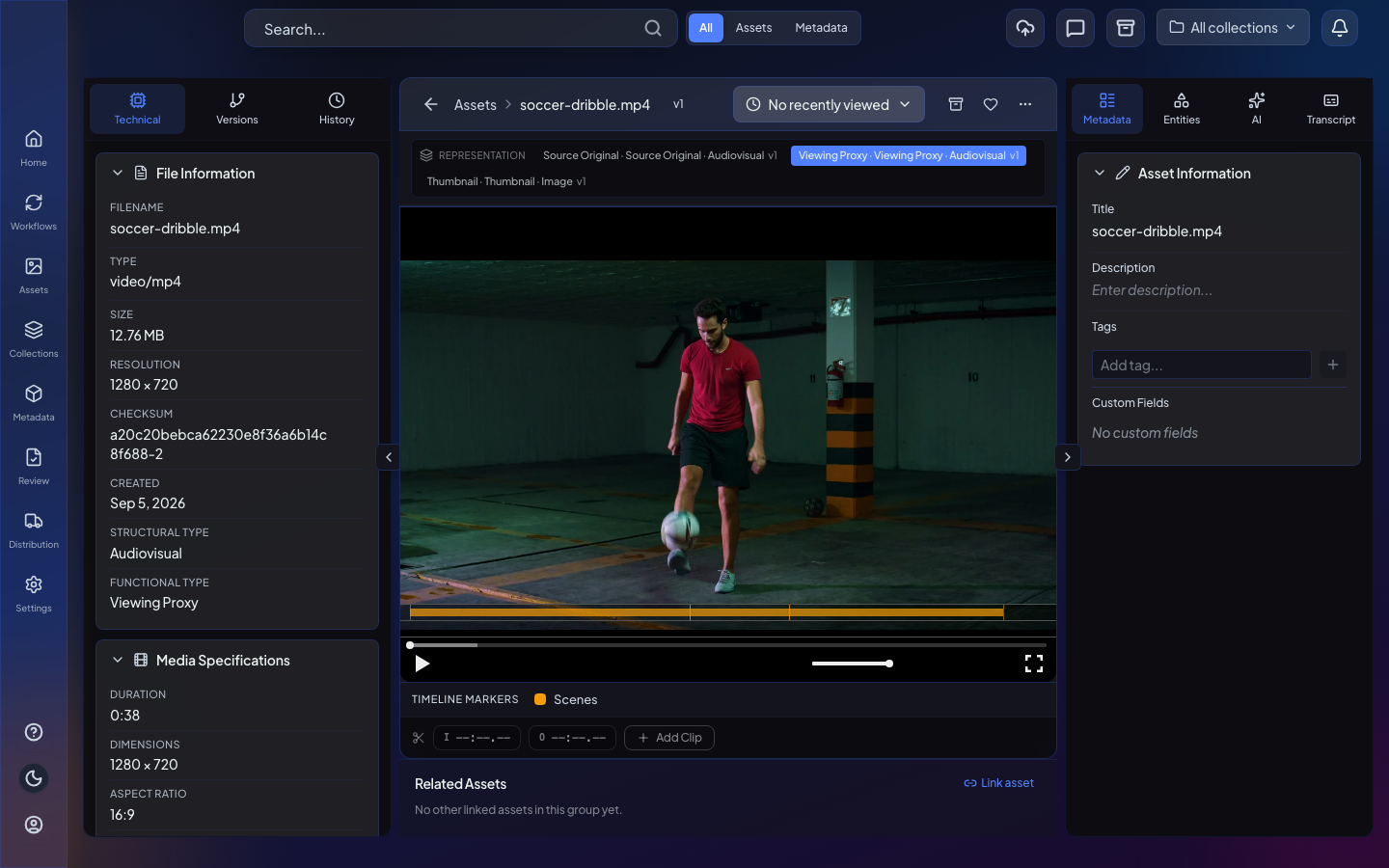
- Clear messaging when an asset cannot be archived
- Archive limited to eligible originals on your storage connectors
- Flo-managed source archiving with proxy safeguards where supported
- Customer upload destination so in-app uploads land in your bucket
- Non-functional Enable uploads control removed from S3 connector settings
Child workflows receive parent input clearly
Execute Workflow passes parent input into child runs and shows the target name on the canvas and in settings.
- Parent node input flows into the child workflow
- Execute Workflow name visible on the canvas and in settings
Find, inspect, and link workflow executions
Search executions by asset, inspect step inputs and outputs, and keep runs linked to the assets they touch.
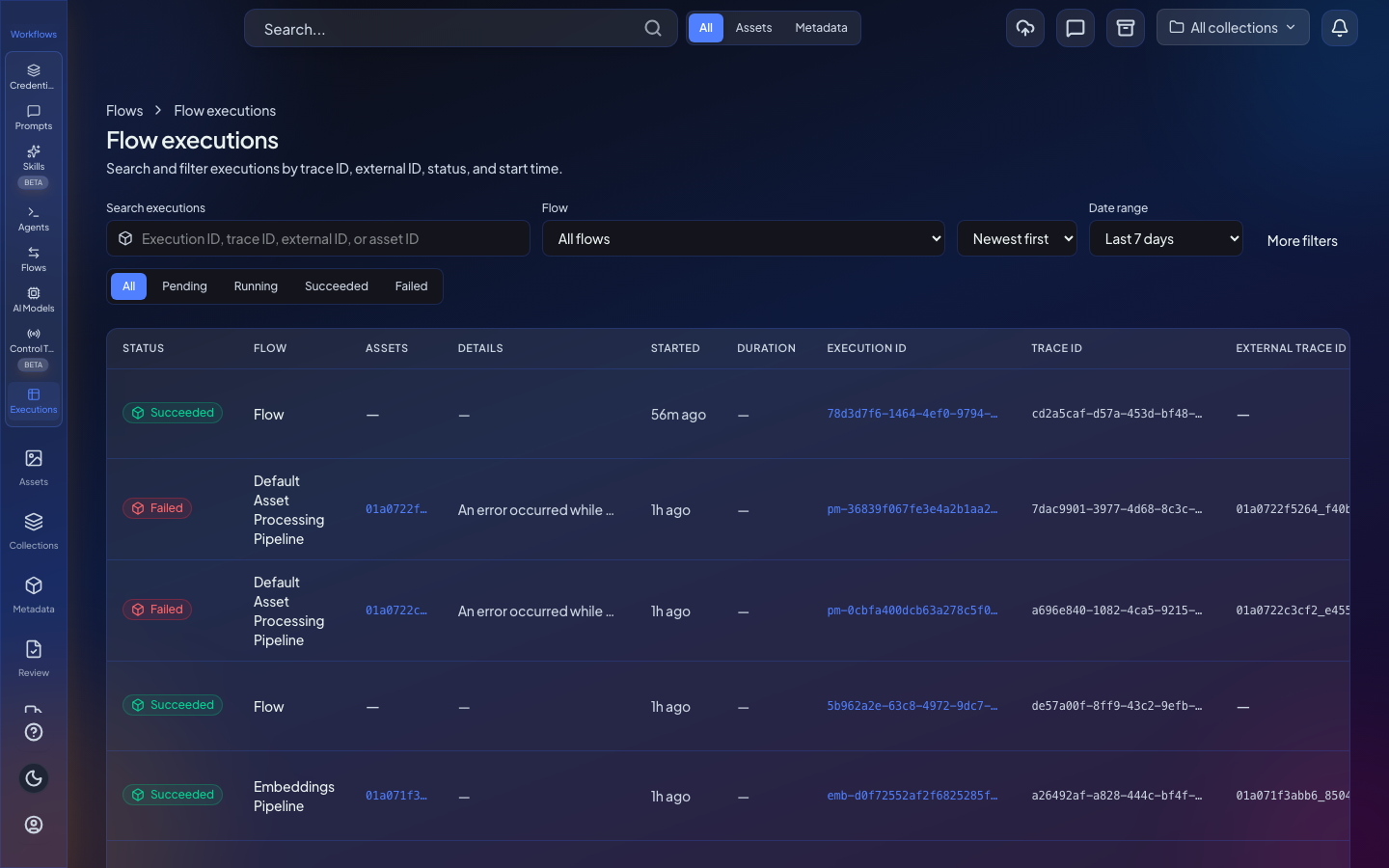
- Filter executions by Asset ID and find linked runs from search
- Step input and output visible on the execution view
- Pass nodes and Set steps recorded on the timeline
- Link shared flow runs and uploads to subject assets
- Execution records stay consistent as runs update
HTTP and GraphQL request settings stay saved
HTTP Request and GraphQL nodes keep the method, URL, transport, and credentials you chose after save, reopen, and redeploy.
- Method, URL, and related fields stay after you save node settings
- GraphQL vs REST transport remains selected across save and redeploy
- Saved credentials stay attached when you reopen GraphQL or HTTP Request nodes
- On Error modes and error outputs when a request fails
- HTTP recipes for Fabric Studio and Slack-style integrations
Models and search reliability
Model usage, search embedding, and related AI surfaces are more reliable for operators.
- Models usage tables show spend after SQS envelope unwrap
- Async Marengo embed polling for search queries
- Model service inference gateway and AI Models UI fixes
Safer connector prefixes and upload identity
Connector prefix allow and deny lists are clearer, and uploader identity is recovered reliably from signed metadata.
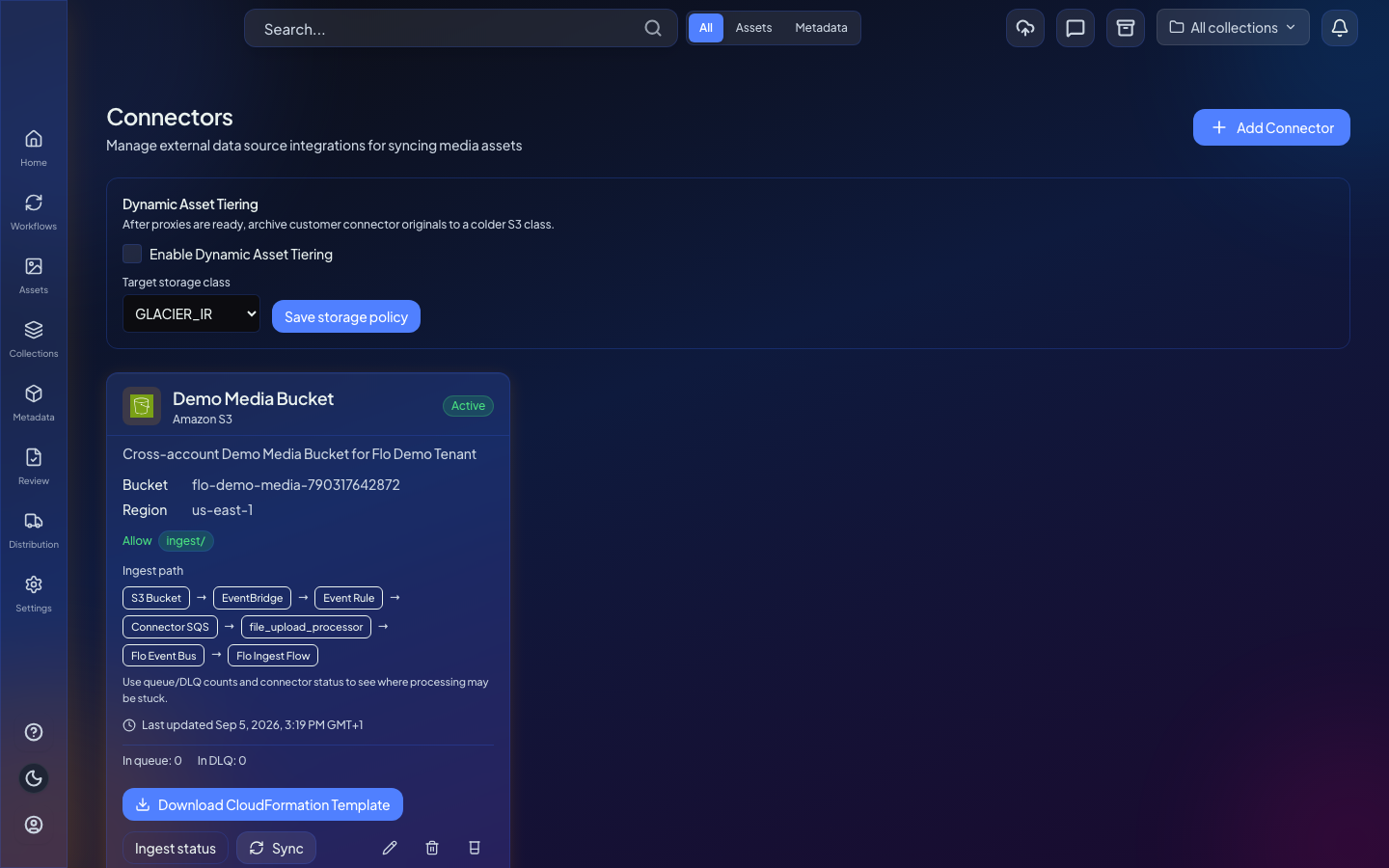
- Allow list and denial list naming for prefix filters
- Block connector uploader impersonation
- Recover uploader identity from signed metadata
- Derive contributors from asset uploads
Workflow canvas is easier to navigate and keep tidy
The node palette, layout, and canvas controls stay clearer so large flows are easier to edit.
- Flattened palette folders with third-party section collapsed by default
- Built-in group renamed to Generic
- Auto-organize reduces crossed edges; layout persists after save
- Back control on the left sidebar; edges keep source and target handles
- Node settings close on outside click with dirty-state highlighting
Workflow credentials stay selected
Saved credentials remain attached to workflow nodes after save, reopen, and redeploy so you do not have to re-pick them.
- Node credential picks survive Save Changes
- Fabric Studio credentials stay selected when you reopen a node
- Credential references remain after canvas reload
- Rename credential display names
Workflow deploys are more reliable
Deploying and redeploying workflows creates missing targets when needed and recovers cleanly from queue and table wait issues.
- Create missing DynamoDB, SQS, and SNS targets on deploy when configured
- Wait for new DynamoDB tables to become active before finishing deploy
- SQS trigger redeploys keep the queue mapping instead of failing
- Draft changes show clearly before you publish
- Unlabeled fan-out runs each branch in a clear sequential order
August 2026
Clearer workflow approvals, webhooks, and routing
Approving plans, managing webhook secrets, and understanding condition branches are easier in day-to-day workflow work.
- Slack-first plan approval with check and x reactions
- Copy, reveal, and regenerate webhook secrets from the UI
- Labeled condition outputs with routing preview
- Assisted EIDR queries with clearer XML error surfaces
Cool originals and park derivatives on your S3
Organizations can cool connector originals after proxy generation, cool on demand from workflows, and write derivatives to a chosen customer bucket.
- Automatic cooling of originals after proxy generation, with lifecycle rules on your buckets
- Cool Original workflow node for on-demand archive tiers
- Designate an S3 connector as derivative storage for thumbnails, proxies, and transcripts
Download a bin as an original or optimized zip
Bin download offers a simple choice between original media and an optimized zip package.
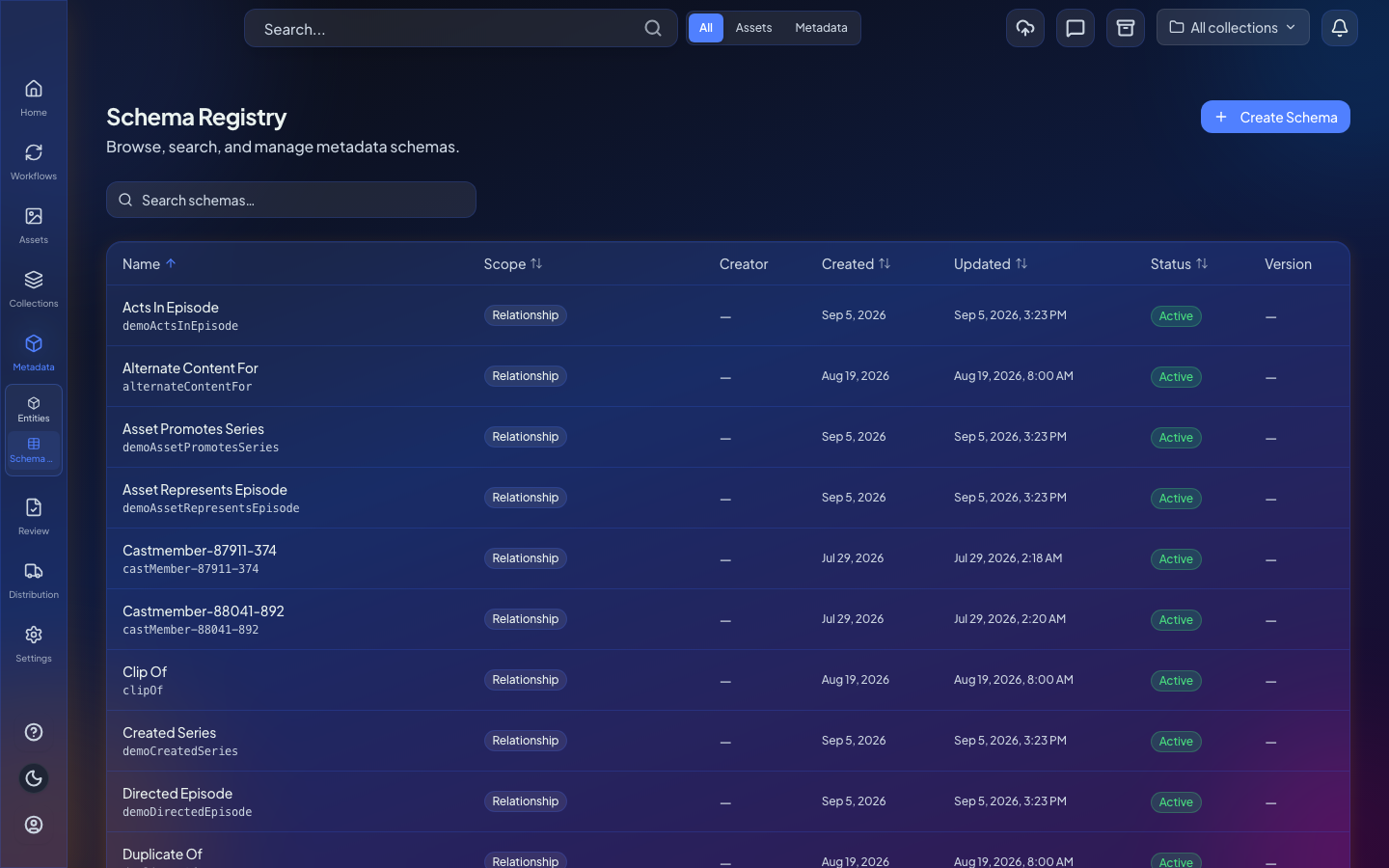
EBU Core metadata templates in Schema Builder
Install an EBU Core / CorePlus metadata template pack alongside EIDR TV Episodic.
Entity search views and relationship graphs go deeper
Switch between card and table results, and walk ancestor relationships in the entity graph.
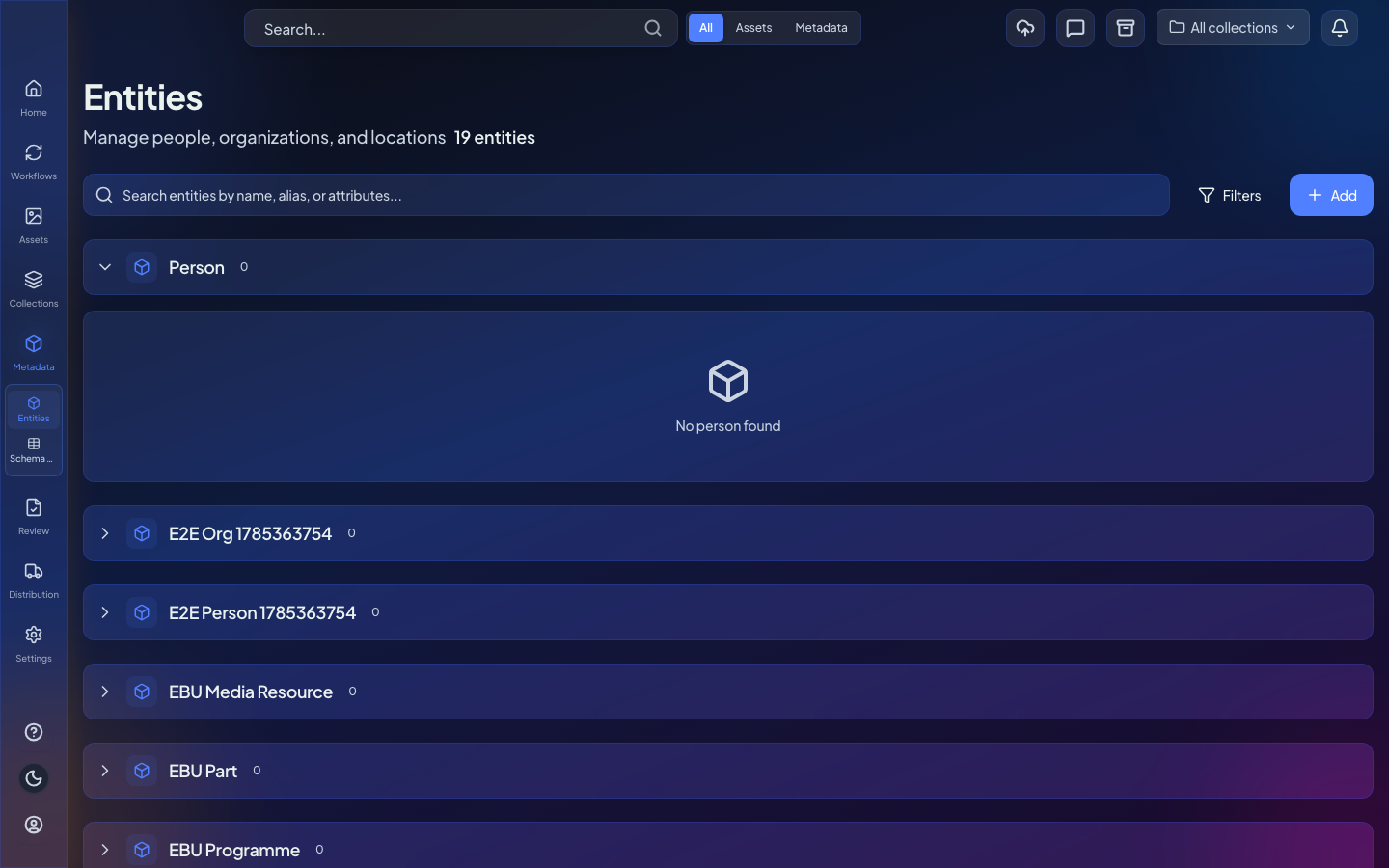
- Card or table toggle for entity search results
- Walk hierarchy ancestors in the entity relationship graph
Publish to LinkedIn with your own OAuth app
Connect LinkedIn with tenant-owned OAuth credentials and publish from workflows without platform-managed secrets.
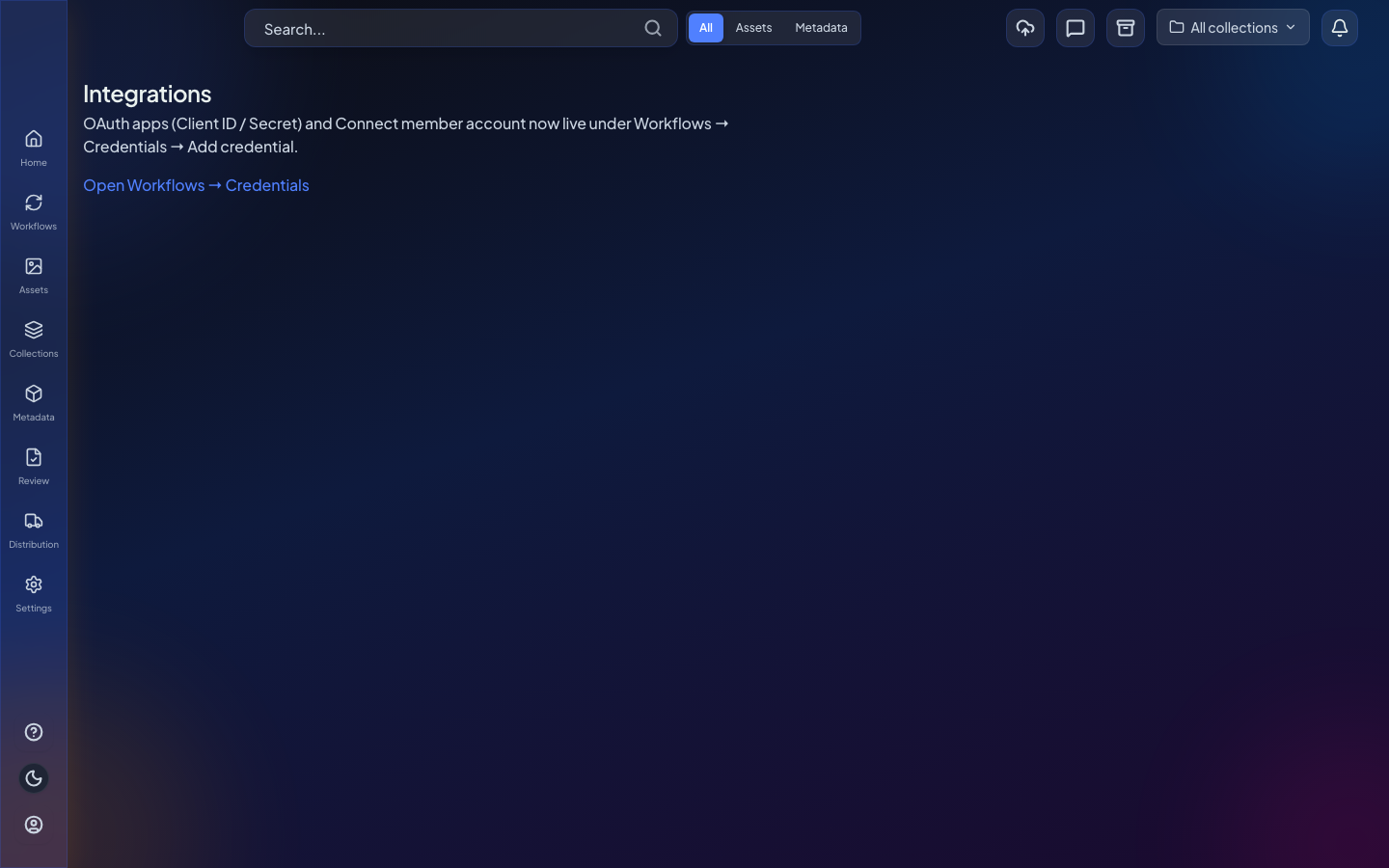
- LinkedIn publish node with OAuth credential bridge
- Bring your own LinkedIn OAuth app in Settings
Reviews and human-in-the-loop gates in workflows
Human review is a first-class step in workflows, with Approval renamed to Review across the product.
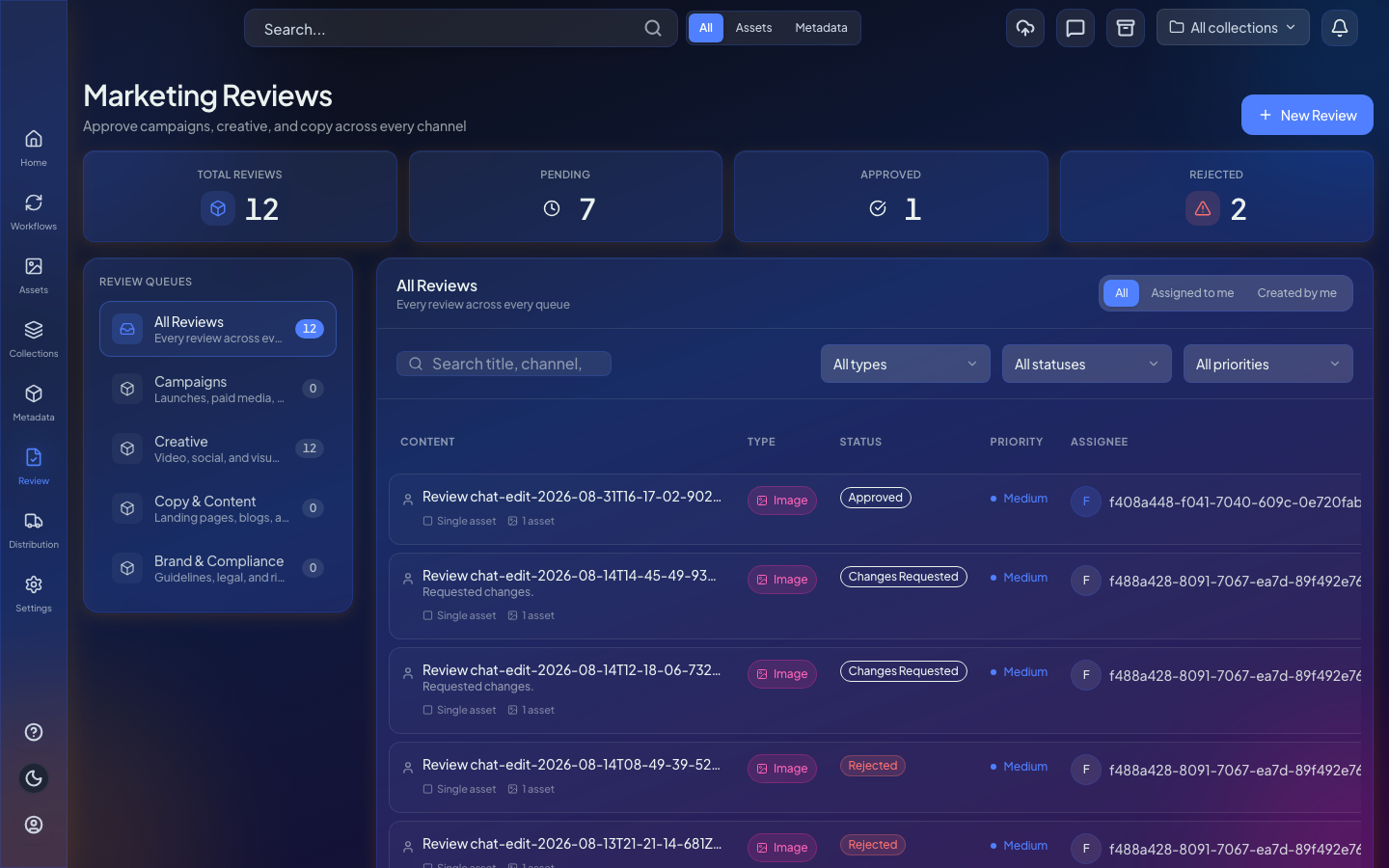
- Review service approvals and workflow HITL gates
- Consistent Review naming across human-in-the-loop surfaces
Richer agents, models, and image edits
Agents are easier to start, pick models for, and use with images that save back as asset versions.
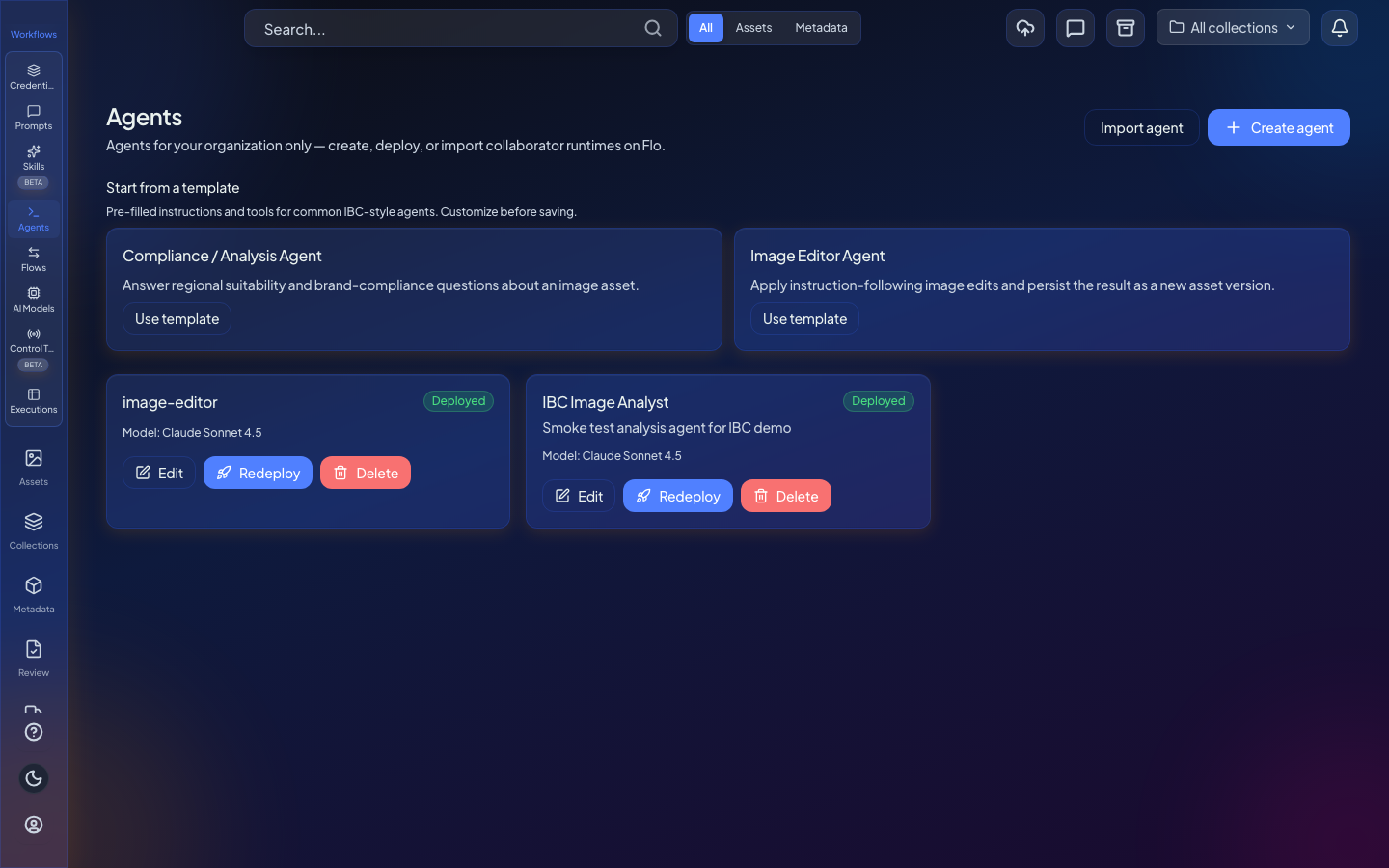
- Agent starter templates and clearer model labels
- Expanded model catalog choices for agents
- Memory and orchestration fields exposed for agent setup
- Collaborator Edit image can use its own fal.AI model
- Agent image edits save as asset versions
- Chat image preview with download, save, and review actions
- Workflow agent nodes accept image or asset context and return structured JSON
- Tenant-authored HTTP custom tools for collaborators
Season hierarchy assets and composed search aliases
Season-level assets and search aliases make hierarchical catalogs easier to find and navigate.
Watch runs live and replay them on the canvas
Execution views update live, keep per-step inputs and outputs, and let you replay historical runs on the real canvas.
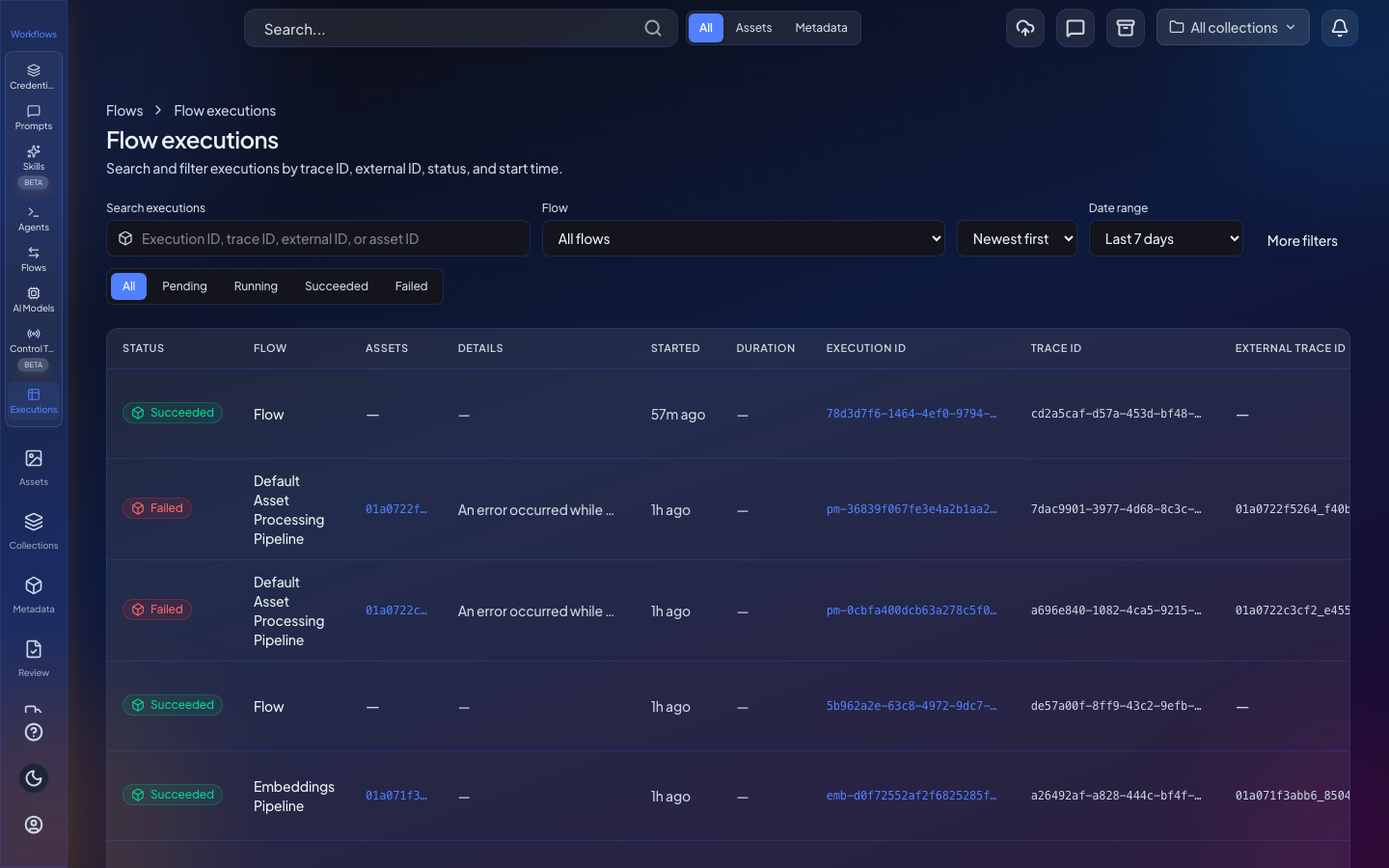
- Live execution channel updates in the executions hub
- Clearer running progress in history as nodes start
- Each step keeps input and output for review
- Replay historical runs on the canvas with time-travel
Connectors, invitations, and permissions are more reliable
Connector upgrades and org access controls behave more predictably for admins and operators.
- Connector upgrade APIs and ingest fixes
- List and revoke org invitations with safer assignment audit on retry
Workflow deploys with agent nodes are reliable again
Deploying workflows that include agent nodes no longer fails on authentication or configuration validation errors.
- Agent-node workflows deploy successfully
- Node configuration validation no longer blocks deploy with a false authentication error
June 2026
Workflow import and metadata tools get stronger foundations
You can import n8n workflows into Flo, and metadata import and workflow debugging are more resilient.
- Import menu for n8n workflows
- Expression translator plus native SNS and SQS nodes
- Clearer workflow debug and reuse-apply experience
- Spreadsheet fix action and more resilient bulk metadata import
- Series locale defaults infer correctly during import fixes
Flo branding on login and in the browser tab
Login and browser chrome show the Flo logo and updated tagline.
- Flo logo as favicon
- Updated logo and tagline on the login screen
May 2026
Connectors, agents, and the asset library work more smoothly
S3 connectors, agents, and asset browsing are easier to configure and more reliable day to day.
- Pick multiple S3 directories and see the ingest pipeline on each connector card
- Sort and filter preferences persist; your bin restores on login
- Agent names can include spaces, with clearer create-modal validation
- Connector edits and IAM role settings save on the first try
- Agents deploy with immediate feedback; canvas drag-and-drop for tenant agents is restored